Six stitch styles
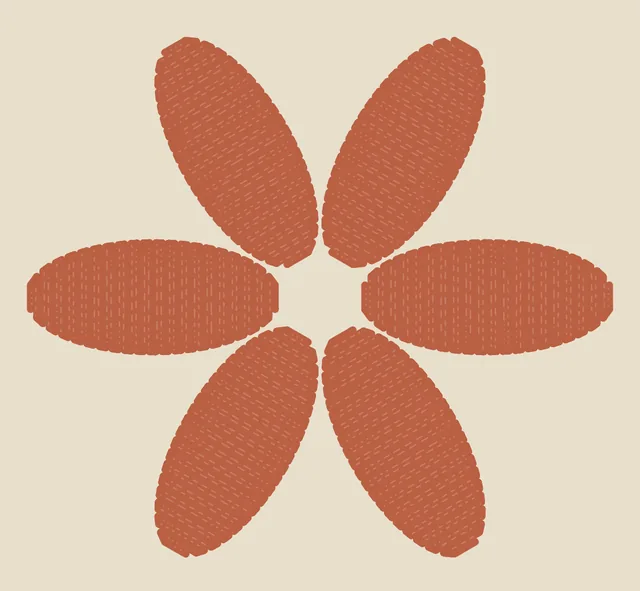
Straight, zigzag, satin, bean, cross and blanket, each previewed before you choose.
A sewing studio in your browser
Pull the cloth under a fixed needle, hold the pedal and watch your thread build up: running, zigzag, satin, bean, cross and blanket stitches on linen, cotton, denim or felt.
Simulated thread, real stitch patterns
How it works
The needle stays put, like a real free-motion machine. You move the cloth.
Pick a thread colour, a stitch style and a cloth. Frames, fabrics, fibres and needle sizes are all in the studio panels.
Pull the cloth on the canvas and hold the pedal to sew. On a keyboard, hold F. One finger? Choose Touch & sew.
Your artwork saves on this device as you go. Save a project file, export SVG or PNG, or record the canvas with sound.
Inside the studio
Built for touch first, with full mouse and keyboard support.
Straight, zigzag, satin, bean, cross and blanket, each previewed before you choose.
Natural linen, warm cotton, indigo denim or sage felt, with fibre, strands and needle size to match.
Optional and generated as you sew: one soft clack per needle drop over a quiet motor hum. No music.
A pedal you slide for speed, a guide pad with a turn edge, left- or right-handed layouts.
Undo, redo and a recoverable Clear. Pause stops everything at once.
Export SVG or PNG artwork, or record the canvas with sound. Exports are artwork, not machine stitch files.
Coming soon
Each design book will pair a printable, true-scale guide with the same design ready to stitch in the studio. We are still making the first one, so this shelf is empty for now.
Nothing is for sale yet.
About design books Coming soonComing soonComing soon
Good to know
Still stuck? The studio has a full guide under Help.
No. Embroiderium is an illustrative simulation for creative play and practice. Stitch lengths are shown in millimetres, but the raised-thread look is not calibrated physics, and exports are artwork rather than machine-ready stitch files.
No. Open the studio and start stitching. There is nothing to sign up for.
On this device, in your browser. To keep a copy elsewhere, use Save project in the Files panel, or export SVG or PNG.
Yes. Pull the cloth with one finger while you hold the pedal, or switch to Touch & sew. Portrait and landscape both work.
It is generated live in your browser from the needle's own timing. Sound is off until you turn it on.
Your cloth is stretched and the needle is threaded.